

Quick answer
The decision in practical terms
Choose a connected video guestbook when remote visibility, cloud handoff or network-enabled operations create measurable value and the venue connection has a tested fallback. Choose an offline model when local capture, predictable venue independence and a controlled physical export process are more important. Neither architecture is automatically safer or more reliable: the result depends on access control, storage design, staff procedure, backup and a clearly documented failure-recovery path.Prepared from CHEETA-supplied documentation for connected and offline product families, public event-operator workflows and a failure-mode review covering venue setup, recording, storage, transfer and delivery. Exact functions vary by model and configuration and must be confirmed in the sample and quotation.
AI assisted outlining and language refinement. Product statements and operational recommendations were reviewed against supplied CHEETA material and cited public sources. Pexels images are illustrative and do not show CHEETA products, staff or facilities.
Connected and offline are operating architectures, not marketing labels
A connected video guestbook uses a network for at least part of its workflow. That may mean remote administration, status visibility, transfer, gallery delivery or another model-specific service. An offline guestbook records locally and does not depend on venue internet to capture a message. Those definitions sound simple, yet buyers often compare a connection icon with a storage number and miss the operational system behind both.
Start by drawing the path of one guest message. Identify where capture begins, where the primary file is written, when a second copy is created, who can access it, how it leaves the device and when it is delivered or deleted. Repeat the exercise for loss of Wi-Fi, mobile signal, power, a storage device, a password and an operator laptop. The architecture becomes clear when every state has an owner and a recovery step.
Do not assume connected means automatic cloud backup, and do not assume offline means private. A connected unit may still save locally first; an offline unit may be copied to an uncontrolled personal computer after the event. Ask the supplier to explain the exact proposed model in plain language and show the workflow during sample approval. Terms such as cloud-ready, smart and secure are not acceptance criteria.
A decision matrix for rental and event operators
Use this matrix to identify what deserves testing, not to declare one universal winner. A touring rental fleet, a fixed venue installation and a staffed brand activation can make different choices with the same hardware options.
| Requirement | Connected approach | Offline approach | Evidence to request |
|---|---|---|---|
| Capture during weak internet | Needs a documented local fallback | Normally independent of internet | Record while disabling the connection |
| Remote status or management | May support model-specific remote functions | Requires an on-site check | Live demonstration and access roles |
| Primary storage | Local, remote or hybrid depending on model | Local storage | Storage map, capacity and file location |
| Post-event transfer | May upload or sync | Physical or local network export | Timed export of a realistic event batch |
| Venue setup | Power plus tested network path | Power plus local capacity check | Setup checklist and fallback position |
| Privacy exposure | Credentials, services and remote access | Physical access and operator devices | Access list, retention and deletion process |
| Support model | Network and account troubleshooting | Media and cable handling | Failure log from a mock event |
Design for the venue you actually have
Event venues are difficult network environments. Guest traffic can saturate shared Wi-Fi, captive portals can require browser interaction, firewalls can block unfamiliar services and the promised password can change before setup. Mobile coverage may be strong outside and weak inside a ballroom. Even a network that passes a speed test at noon can behave differently after several hundred guests arrive.
A connected package needs a venue-readiness form. Record the connection type, credentials owner, expected device location, signal test, permitted equipment, data allowance and fallback. Never make the planner responsible for undefined technical support. If the connection is essential to a customer-facing promise, schedule a test at the real device position or sell an attended setup that includes verification.
Offline capture removes network dependency but not venue risk. You still need clean power or verified battery capacity, safe cable routing, usable lighting, controlled audio and sufficient local storage. The operator should check remaining capacity before dispatch and again before the event begins. An offline product is reliable only when local media and handoff discipline are reliable.

When connected capability creates real business value
Connectivity is valuable when it removes a known operational bottleneck. Remote status may help a staffed fleet detect low storage or a stopped service. A managed transfer may shorten the time between collection and customer delivery. A controlled gallery workflow may let a production team begin review before the physical unit returns. Those benefits matter only when they are supported by the exact product, software, service terms and network conditions in your quotation.
Connected products also introduce accounts, credentials, updates and service dependencies. Decide who creates accounts, who can reset access, whether credentials are unique per unit, what happens when staff leave and whether the customer ever sees an administrative interface. Document software ownership, hosting responsibility, recurring costs and the behavior after a subscription or service ends. A hardware purchase with an undefined service dependency is not a complete procurement decision.
For cross-border buyers, clarify where data is processed and stored, how long it remains available and which party is the controller or processor under relevant agreements. These questions require legal and technical review for your market; they cannot be answered by a generic privacy badge. If the connected function is optional, determine whether capture and export remain fully usable without it.
When offline-first is the professional choice
Offline-first is not an old-fashioned compromise. It is often a deliberate reliability model for temporary venues, traveling fleets and operators who want capture to remain independent of third-party networks. A guest records locally, the unit retains the file and an authorized operator exports it after the event. The workflow is easy to explain and can be audited with physical handoff records.
The tradeoff is that local storage becomes a critical asset. Capacity, file-system health, unique filenames, physical access, removal protection and backup are operational concerns. An operator must know how to confirm that a file was written without exposing previous messages to guests. Media should move to a controlled workstation, receive a verified second copy and be deleted from the event unit under a documented policy before redeployment.
Offline is strongest when the export experience is designed, not improvised. Use known cables and media, label them by unit, test them after transport and keep spares. Do not let every employee invent a folder name or copy files to a personal desktop. A simple chain-of-custody sheet and standard event identifier reduce mix-ups when several units return on the same weekend.

Compare privacy by exposure path, not by connection status
Both architectures handle identifiable recordings and require clear guest notice, restricted access and a retention policy. Connected systems add network services, remote identities and credentials. Offline systems concentrate risk in the device, removable media and computers used for export. A secure decision controls the actual exposure paths instead of declaring the internet unsafe or local storage automatically safe.
Create an access matrix with four roles: guest, event operator, post-production operator and administrator. List what each role can record, view, delete, export and configure. Guests should not reach previous messages or system settings. Operators should use individual credentials where the system supports them. Shared default passwords, undocumented recovery accounts and unrestricted removable media deserve attention during sample review.
Separate private delivery from marketing consent. A guest who leaves a message for a couple has not necessarily approved publication in an advertisement. Contracts should define the customer’s responsibility for event notice, while your internal procedure covers access, backup, delivery and deletion. Obtain market-specific legal advice before launch, particularly when operating across jurisdictions or recording children.
Calculate capacity from your event, not the storage label
A storage number is useful only when paired with the actual recording settings. File size depends on resolution, frame rate, compression, audio format and message duration. Ask for representative raw files from the exact configuration, then measure them. Build a conservative estimate using expected guest count, participation rate, average message length and a safety margin. Include space required by the operating system or other device functions.
Capacity planning should include the busy weekend, not the average event. If a unit serves multiple events before returning to the processing team, each event needs separation and verified remaining capacity. Define what the device shows when storage is nearly full and whether an operator can detect the condition without exposing content. Test the full-storage behavior safely during acceptance; it should not corrupt already saved messages.
Connected upload does not eliminate local capacity unless the product is explicitly designed that way. Upload queues can grow when a network slows. Ask whether a local file remains after upload, how failed uploads are retried and how duplicates are prevented. For offline products, ask whether storage is internal, removable or both and which components are included in production units.

Build a failure-mode checklist before the first paid event
List credible failures by stage: dispatch, setup, capture, storage, collection, transfer and delivery. Examples include the wrong greeting, a forgotten power supply, a captive Wi-Fi portal, low storage, a guest closing the interface, a loose handset cable, accidental shutdown, a missing export drive or a corrupt archive. Rate each failure by likelihood, customer impact and detectability. Then assign prevention, detection and recovery.
A connected unit should be tested while the network is deliberately interrupted before, during and after capture. Verify local save behavior, user messaging, reconnection and queued transfer. An offline unit should be tested with long sessions, near-full storage, repeated export and a controlled restart. For both, test whether date and time remain correct, filenames stay unique and already saved files remain readable.
Keep a small incident log from every real event. Record symptom, environment, configuration, immediate recovery and permanent action. Patterns help distinguish product changes from training or venue problems. Share reproducible evidence with the manufacturer—model, configuration, steps, sample file and result—rather than a general statement that the unit failed.
| Item | Purpose | Control |
|---|---|---|
| Approved power supply and cables | Restore known-good power | Label by model and test before dispatch |
| Offline instructions | Continue capture without network | Keep a printed and digital copy |
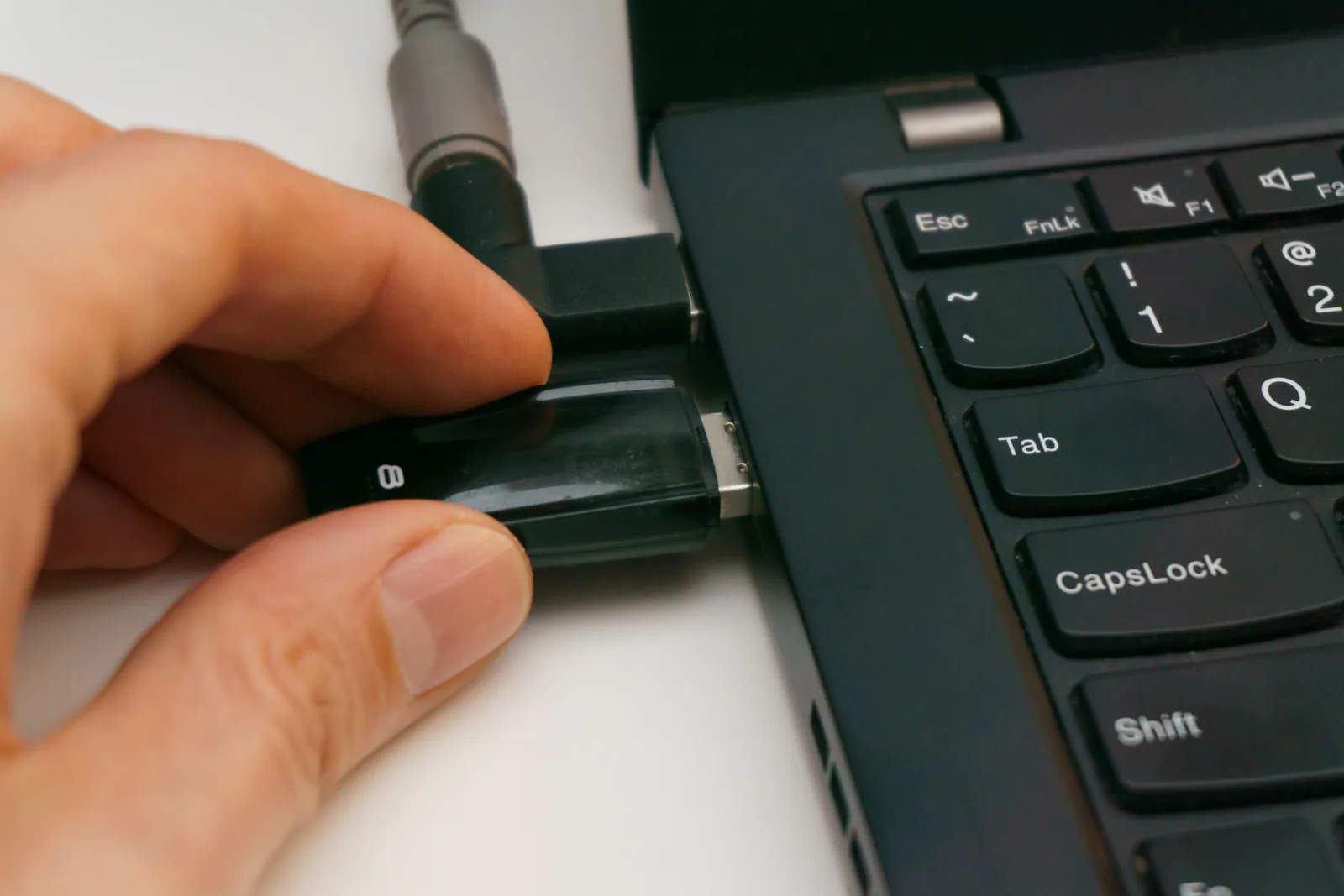
| Known-good export cable or media | Retrieve files safely | Use controlled, scanned equipment |
| Operator contact route | Escalate without exposing admin access | Define hours and responsible person |
| Incident record | Preserve evidence | Record time, state and action before reset |
Standardize the post-event handoff
Collection is the moment when emotionally important files become a production asset. Confirm the unit identifier and event identifier, inspect for damage, record the time received and move the unit into a processing state. Do not clean, reset or redeploy it before media verification. The first operator exports or confirms transfer; a second check verifies file count or archive readability according to your procedure.
Use copy verification rather than visual confidence. Open representative files, compare totals where possible and create a second protected copy. Keep editing separate from the source archive. If a cloud workflow is used, confirm that synchronization is complete before local deletion. If a physical drive is delivered, verify the drive on another device and avoid using it as the only retained copy during the agreed retention window.
Communicate delivery terms before booking: private link or physical media, file formats, raw versus edited content, expected timing, access duration, revisions and deletion. A connected architecture may accelerate delivery, while offline can provide a controlled manual chain. Either can produce an excellent customer experience when the handoff is explicit and repeatable.
A hybrid strategy often gives the best resilience
Many professional workflows combine local-first capture with connected operational benefits. The guest message is written locally so capture does not depend on live bandwidth; a network can then support status, transfer or delivery when available. This architecture can be resilient, but only if the buyer verifies which functions remain usable offline and how synchronization handles interruption and duplicate files.
Hybrid also describes a product portfolio. A fixed venue with managed connectivity may use a connected flagship, while mobile rental inventory uses offline models. Keep the guest-facing interaction and brand consistent, but document the different setup and handoff procedures. Staff should be able to identify architecture from the unit label and dispatch record, not by guessing from appearance.
Do not add connectivity simply because it appears premium. Add it when it reduces labor, improves visibility or enables a sellable service. Do not choose offline merely to avoid technical planning. Choose the architecture that makes your defined promise easiest to keep, then build controls for its specific failure modes.
A 12-point sample acceptance test
Use the approved sample as a controlled reference for production. Photograph appearance, record the configuration and save representative raw files. Run the same test after production arrives so changes in software, storage, camera, microphone or accessories do not pass unnoticed.
- Load and replace the event greeting using the documented operator path.
- Record short, long and interrupted messages in realistic sound and light.
- Remove connectivity during an active recording and observe the result.
- Restart the unit according to the manual and verify saved files.
- Approach the storage limit and confirm warning and save behavior.
- Attempt guest access to settings and previous recordings.
- Verify date, time, filenames and event separation.
- Export or sync a realistic event batch and measure elapsed time.
- Open samples on the actual editing and delivery systems.
- Create and verify a second backup copy.
- Reset the event while following the retention and deletion procedure.
- Repeat setup using a staff member who did not configure the sample.
Questions to put in the connected/offline RFQ
State the target workflow before requesting feature confirmation. Tell the supplier whether the unit is for drop-off rental, attended activation, fixed venue use or resale. Include target countries, volume, branding, desired delivery method and the environments in which connectivity may fail.
Ask where the primary file is written; whether capture works without a network; what local storage is included; which file formats and recording settings apply; how remaining capacity is shown; which remote services exist; who hosts them; what recurring terms apply; how accounts and updates are managed; and how files are exported, backed up and deleted. Request a live demonstration and raw sample files from the exact configuration.
Commercial and compliance scope belongs in the same quotation: sample terms, MOQ, production lead time, change control, packaging, manuals, accessories, spares, warranty handling, Incoterm and destination-specific documentation. These details vary by order. Treat the written quotation and approved sample—not a general marketing page—as the project baseline.
Make the final choice with one operating sentence
A useful final sentence is: ‘This unit records locally without venue internet, our operator exports to a controlled workstation, verifies a second copy and delivers a private gallery,’ or ‘This unit records locally, synchronizes through our managed connection and alerts an attendant when transfer stops.’ If your team cannot complete the sentence without words such as probably or automatically, more sample work is required.
Connected and offline video guestbooks can both support premium event services. The winning architecture is the one whose capture, access, recovery and delivery states are visible to your team. Buy the workflow you can verify—not the label that sounds most advanced.
Buyer questions
Frequently asked questions
Does a connected video guestbook stop recording when Wi-Fi fails?
It depends on the exact model and configuration. A resilient connected product may record locally and synchronize later, while another workflow may depend on a live service. Disable the network during a sample recording and verify the saved file, guest message and reconnection behavior.
Is an offline video guestbook more private?
Not automatically. It removes some network exposure but increases the importance of physical storage, export media and operator workstations. Privacy depends on notice, access roles, controlled transfer, retention, deletion and staff practice across the complete workflow.
How much storage does a video guestbook need?
Measure raw files from the proposed recording settings and model capacity from expected participation, message length and a safety margin. The same nominal resolution can create different file sizes depending on compression, frame rate and audio settings.
Can I offer cloud delivery with an offline guestbook?
Yes. Offline can describe event capture, not final delivery. An operator can export locally, create a verified backup and upload the approved files to a private gallery from a controlled connection after the event.
What is the best architecture for a mobile rental fleet?
Local-first capture with a documented export process is often attractive where venue connectivity varies. A connected or hybrid model can add value if remote status or faster transfer justifies account, network and service management. Test both against your dispatch and return workflow.
Evidence and further reading
Sources
- Google Search Central: Optimizing for generative AI featuresOfficial guidance supporting comprehensive, people-first answers to complex comparison questions.
- Video Phone Box: connected and locally stored workflow descriptionPublic operator-facing example of upload and local-storage fallback language.
- ReelToast: offline-by-design event workflowPublic operator-facing example of local recording and post-event export positioning.
- CHEETA CT-8908V connected video guestbookInternal product context for the documented connected video family.